rickyfrank.com
  • Home
  • Cloisonne´ Day of Giving
  • Holiday Jewelry Sale
    • Day of Giving
    • New Additions
    • Daily Deals
    • new work 20% Off
    • Creative Quest
    • 50% Off
    • Earrings
    • Nature Landscapes
    • Transformation Stories
    • Large Pendants
    • Medium Pendants
    • Small Pendants
    • Bracelets
    • Chokers
    • Rings
  • Learn to enamel
    • The Enamel Channel Video Library
    • In-Person Classes
    • What is Cloisonne´?
    • Free Videos
  • About
    • About Ricky
    • Inspirations
    • My Wife's Artwork >
      • Felted Heads
  • jewelry archives
  • Mailing List

Master
Enamel ​Color Layers
Build and combine layers
with Control,  Freedom, and Confidence!


Learn Ricky's  "6 Enamel Layers"
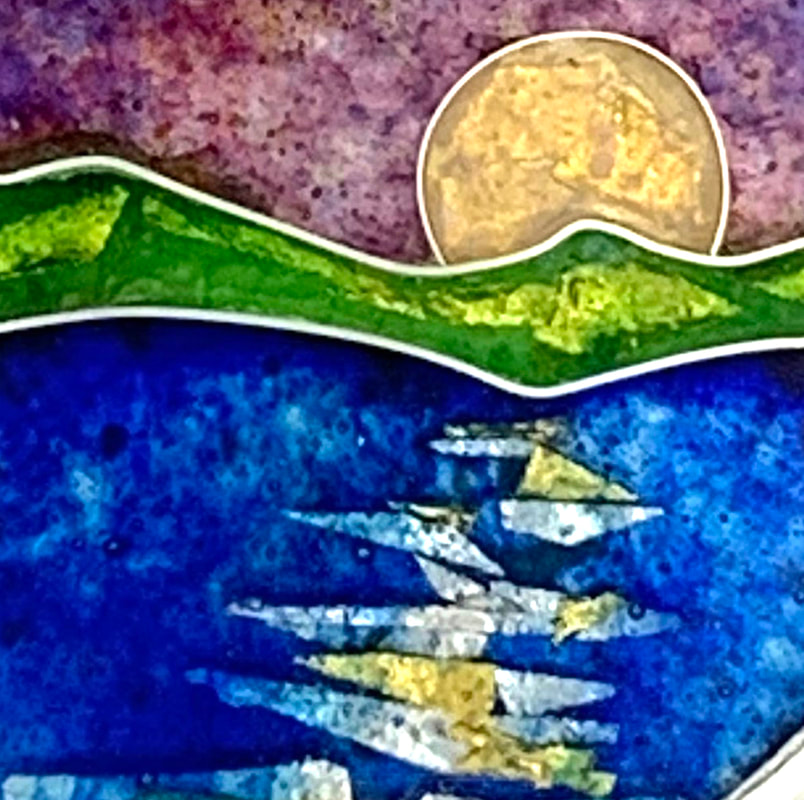
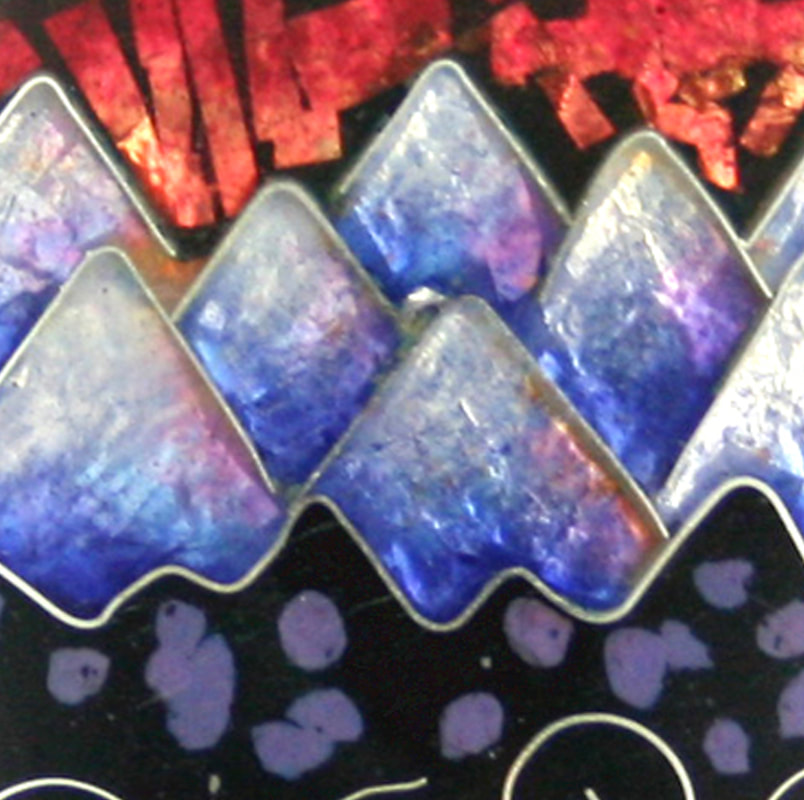
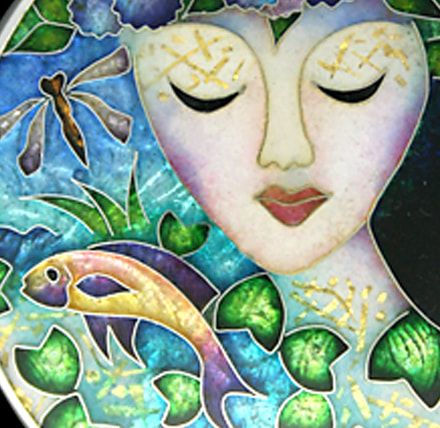
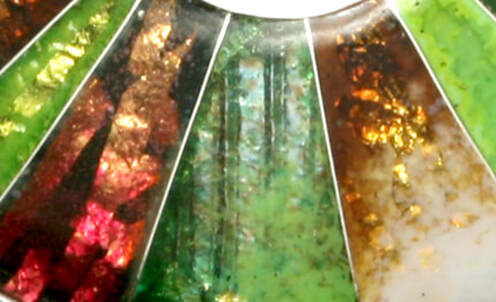
One of the magical qualities of enamel is the ability to create layers. It's like creating a thin "pane of glass", and then creating and stacking a different "pane of glass" over it. 
I call this  "Layer Architecture"
It's how I "think" in enamel layers and create a personal enamel voice.
I've deconstructed all of the different types of layers that I create and combine.
I show you, step by step, how I do this.

Picture

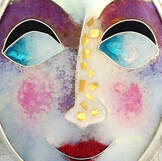
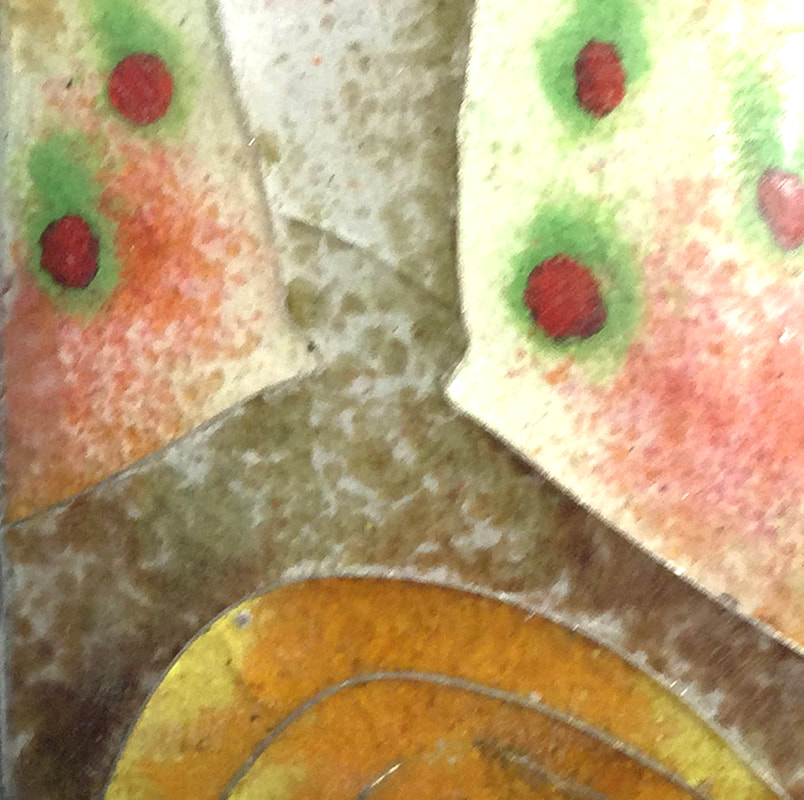
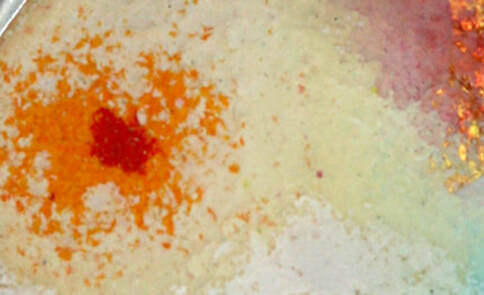
Enamel Edges
Control enamel shapes within the wires

Picture

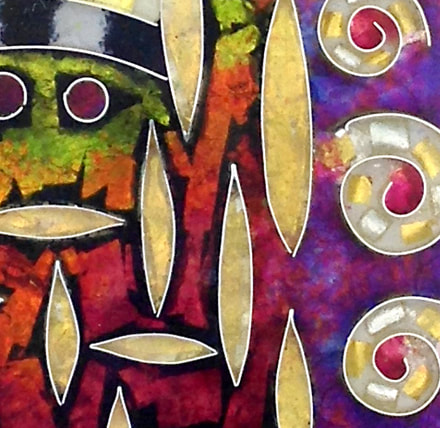
Sculptural Layers
Thick, thin, tapered

Picture

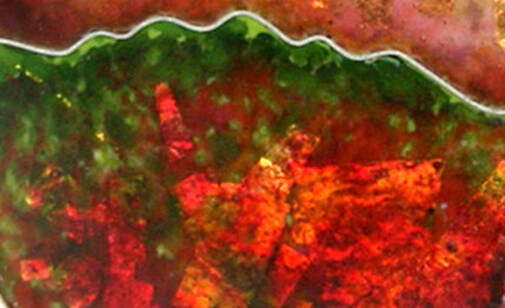
Custom Colors
Create your own colors

Picture

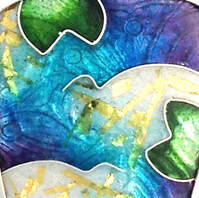
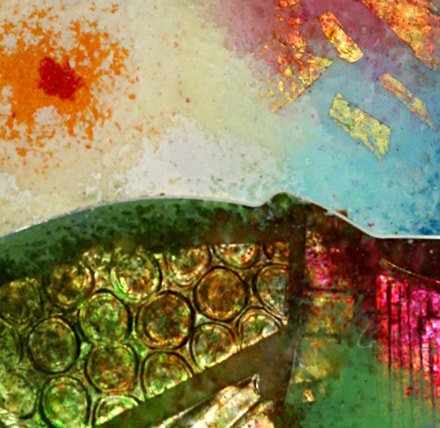
Color & Value Gradations
Blend your colors

Picture

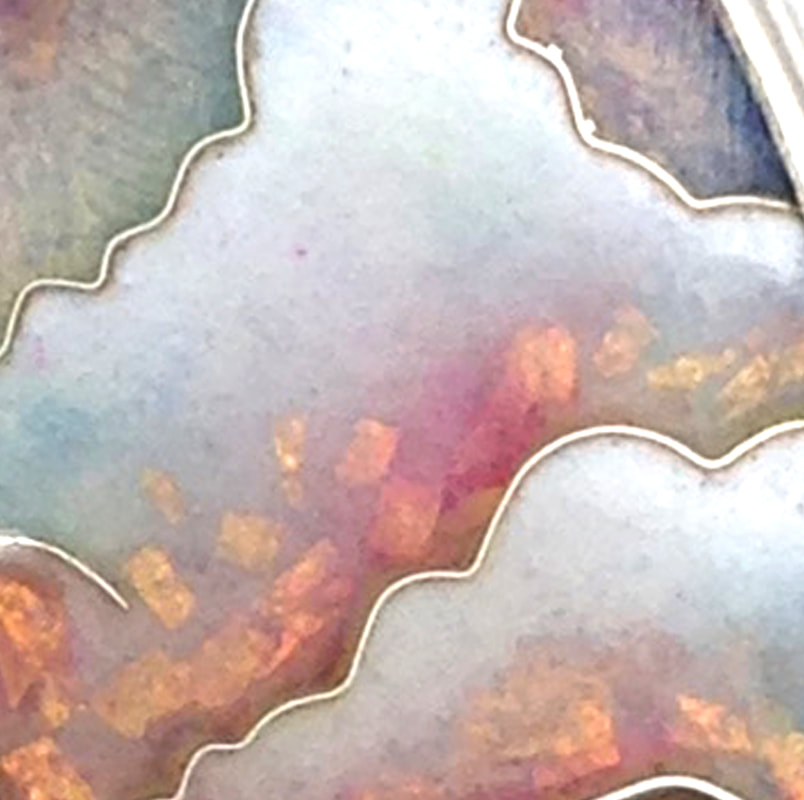
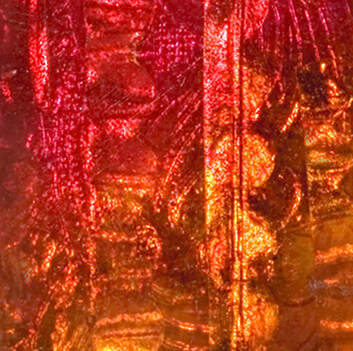
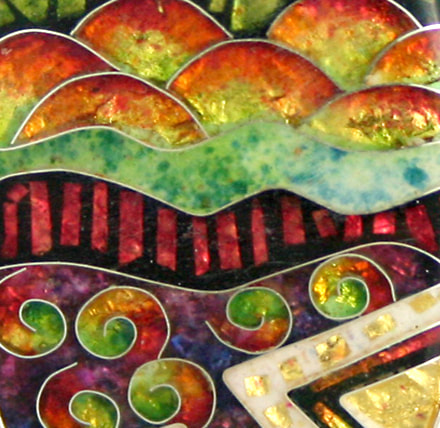
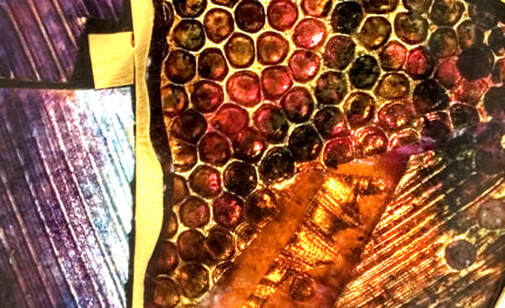
Foil Layers
Create layers of light

Picture

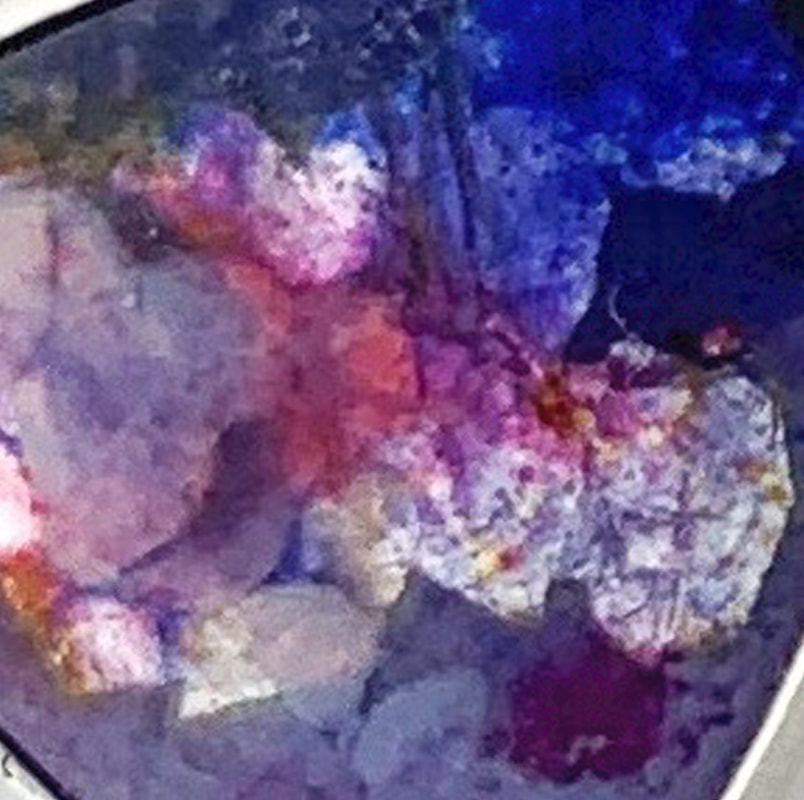
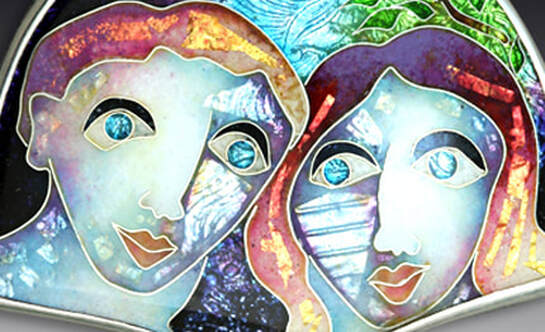
Opalescent White
Mystical & magical layers

After working with you on color gradations, I now realize how to bring out the depth in the enamels so they don’t look like a flat surface."
-Diana A.

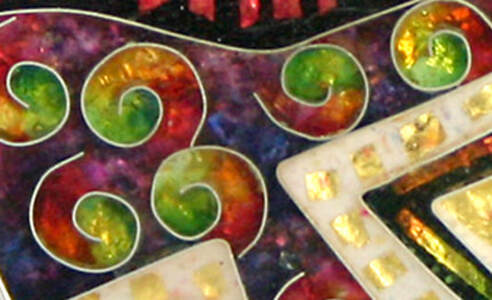
Combine different enamel layers
together to create creative and expressive enamel color!

Picture
Picture
Picture
Picture
Picture
Picture

 What is Enamel
"Layer Architecture"?
Combine different enamels on one layer
Combine different layers in one cell

Opalescent White Layers

Layer Edges

Module 1: Enamel "Edges"

Picture
  • How do our enamel colors touch one another?
  • How do our enamel colors over-lap one another?
  • How do I create different types of edges: crisp, feathered, and blended edges?
  • How do my enamel edges affect the shapes that I create?

Module 2: Enamel "Layer Styles"

  • How does my enamel layer thickness affect the types of "marks" that I can make?
  • How can I create different types of layers: even layers, modeled layers, tapered layers, and partial layers?
  • How does the style of one layer affect how another layer will appear?
  • How can I use different layer styles to create different types of enamel design elements: lines, shapes, patterns, color, and value?
Picture

Module 3: "Custom Color" Enamel Layers

Picture
  • How can I combine enamel layers to create my own colors?
  • How can I layer transparent, opaque, and opalescent enamel colors?
  • How can I mix my different enamel colors together on the same layer?
  • How can I darken a color? Can I lighten a color?

Module 4: Color  & Value Gradation Layers

  • How can i seamlessly blend different colors together to create movement and rhythm?
  • How can I blend different values (dark, medium, and light) together to create movement and rhythm?
  • What variables will help me to create gradations? color choices, value choices, grain size, layer thickness, edge applications, water.
Picture

Module 5: Foil Layers

Picture
  • How can I use foils to create design elements: lines, shapes, patterns, color, value, and light?
  • How can I layer foils in different sequences to create different "light combinations"?
  • What variables affect reflected light and transmitted light?
  • How can I use foil elements as a focal point?
  • How can I use foil elements as a background?
  • How can foil elements create movement and rhythm?​

Module 6: Opalescent White Enamel Layers

  • How do I prepare, apply, and fire opalescent white enamel layers?
  • What types of opalescent white are there and what are their characteristics?
  • When and why do I use opalescent white layers? How much and how little?
  • How can I use opalescent white enamel to "bridge" two different color areas"?
  • How can I use opalescent white enamel to create changes in "light and depth"?
  • What is possible when I combine opalescent white layers with other types of enamel layers?
Picture
Picture
 "Live in Color; Because Life is not Black & White"
Email Ricky
Join my mailing list
Contact Me
Ricky Frank
770.552.7890
770.853.2627 (cell)
[email protected]

Find me on Social Media
Facebook:
Ricky Frank Enamels
Ricky Frank Workshops
Ricky Frank
Instagram: rickyfrank32


Quick Links
The Enamel Channel
PJ Floyd Art Sculpture Website

​
  • Home
  • Cloisonne´ Day of Giving
  • Holiday Jewelry Sale
    • Day of Giving
    • New Additions
    • Daily Deals
    • new work 20% Off
    • Creative Quest
    • 50% Off
    • Earrings
    • Nature Landscapes
    • Transformation Stories
    • Large Pendants
    • Medium Pendants
    • Small Pendants
    • Bracelets
    • Chokers
    • Rings
  • Learn to enamel
    • The Enamel Channel Video Library
    • In-Person Classes
    • What is Cloisonne´?
    • Free Videos
  • About
    • About Ricky
    • Inspirations
    • My Wife's Artwork >
      • Felted Heads
  • jewelry archives
  • Mailing List